Brother monochrome and color laser printers (such as the HL-L2350DW, MFC-L2710DW, DCP-1511, DCP-L2550DW, and heavy-duty HL-L5100DN) are renowned in corporate and logistics environments for their high reliability and low running costs. Unlike integrated all-in-one cartridges, Brother uses a **Two-Piece Separate Consumable System**: the toner cartridge (**TN series**) clips directly into a separate, long-life imaging drum carriage (**DR series**).
| Toner Code (TN) | Drum Code (DR) | Compatible Brother Printers | Yield (Toner / Drum) |
|---|---|---|---|
| TN-1040 | DR-1040 | HL-1111, HL-1211W, DCP-1511, DCP-1611W, MFC-1811 | 1,500 / 10,000 pages |
| TN-2305 / TN-2355 | DR-2305 | HL-L2320D, HL-L2365DW, DCP-L2540DW, MFC-L2700DW | 1,200 / 2,600 / 12,000 pages |
| TN-2420 (High-Yield) | DR-2400 | HL-L2310D, HL-L2350DW, DCP-L2510D, DCP-L2550DN, MFC-L2710DW | 3,000 / 12,000 pages |
| TN-3480 (Enterprise) | DR-3400 | HL-L5100DN, HL-L5200DW, DCP-L5500DN, MFC-L5750DW | 8,000 / 50,000 pages |


“When replacing a Brother drum unit (DR series), the printer will continue showing 'Replace Drum' until an explicit manual hardware reset is performed on the front control panel.”
— PrintEyes Brother Technical Center
 PrintEyes high-yield Brother compatible TN toner cartridges and long-life DR imaging drum units.
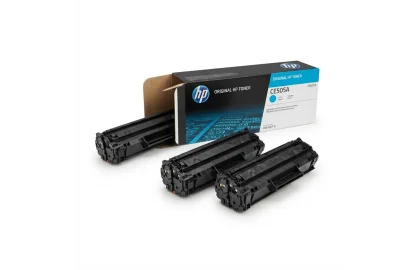
The ultimate reference manual for HP LaserJet Pro toner cartridges. Check page yields, printer model compatibility,...
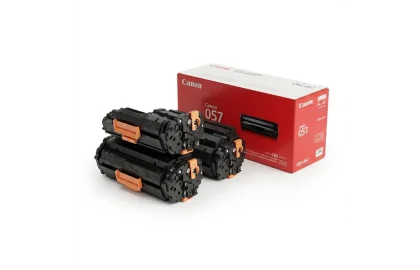
A complete guide to Canon laser printer toner cartridges. Understand CRG desktop cartridges (CRG-725, CRG-728, CRG-057)...
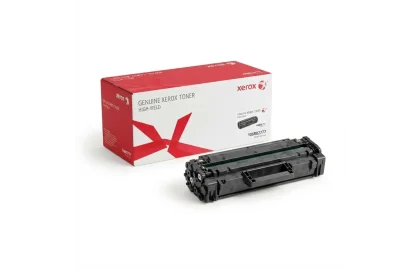
Navigate the complexities of Xerox Phaser, WorkCentre, and VersaLink consumable architectures. Learn Sold vs Metered toners,...
Cookie Preferences