During daily printer startup cycles, borderless photo printing, and routine printhead nozzle cleanings, inkjet printers purge a small quantity of liquid ink to prevent drying and clear air bubbles. Because this purged ink cannot return to the supply tanks, it is diverted into an internal reservoir lined with dense absorbent felt sponges—known as the **Waste Ink Pad** or **Maintenance Box (Bakım Kutusu)**. When internal electronic counters detect that the pad has reached absorption capacity, the printer displays a critical service lockout warning to prevent ink overflowing onto your desk.
While the sudden error message "A printer's ink pad is at the end of its service life" can feel inconvenient during busy workdays, it is an essential safety mechanism. Liquid ink contains surfactants and intense dye colorants that would otherwise seep through the bottom plastic chassis of the printer.


“Modern business inkjet printers feature modular maintenance cartridges with integrated smart IC chips. Replacing the box takes less than 60 seconds with zero downtime.”
— PrintEyes Technical Support
 Modular user-replaceable waste ink maintenance box with integrated electronic counter chip.
| Printer Type | Typical Models | Replacement Protocol |
|---|---|---|
| Modular User Maintenance Box | Epson L4260, L6270, M2170, Canon G3470, G6040 | 1-Minute Swap: Open rear door, loosen single screw, slide out old box (T04D1 / MC-G02), and insert new PrintEyes box with fresh chip. |
| Internal Fixed Felt Pads | Epson L3150, L3250, Canon G2411, G3411 | Requires chassis disassembly to replace sponge pads, accompanied by an electronic counter reset using authorized diagnostic software. |

Step-by-step troubleshooting guide for unclogging dried inkjet printhead nozzles. Learn automated software cycles, manual flushing techniques,...
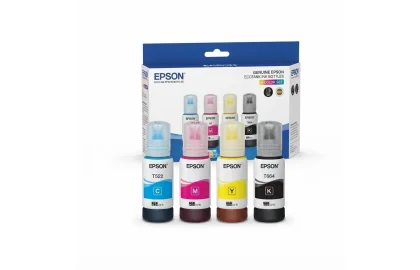
Understand the chemical and practical differences between pigment and dye-based inks. Learn about waterproof properties, UV...
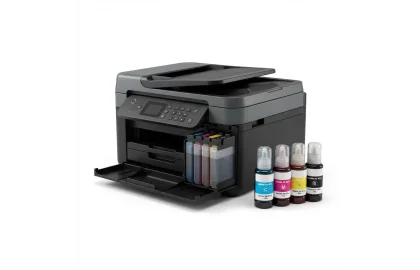
Everything businesses need to know about Epson EcoTank printers (L3250, L3150, L4260, L6270). Master EcoFit auto-stop...
Cookie Preferences