In recent years, **Pantum** has emerged as one of the fastest-growing laser printer brands in Turkey and global emerging markets. By offering robust metal-frame internal mechanics at accessible price points, Pantum desktop printers—such as the **P2500W, P3010, M6550NW, M6600NW, and enterprise M7100DW**—have captured massive market share among small businesses, remote workstations, accounting firms, and school classrooms. What sets Pantum apart from traditional printer manufacturers is its user-friendly cartridge ecosystem, featuring factory-designed refill ports and accessible chip replacement architecture.
Pantum printers utilize two primary cartridge families:


“Pantum’s open refill architecture allows organizations to replenish toner powder up to 3 times per cartridge chassis, dramatically lowering electronic plastic waste and achieving rock-bottom page costs.”
— PrintEyes Pantum B2B Solutions Division
 PrintEyes compatible Pantum PC-211EV cartridges and toner refill bottles with smart reset chips.
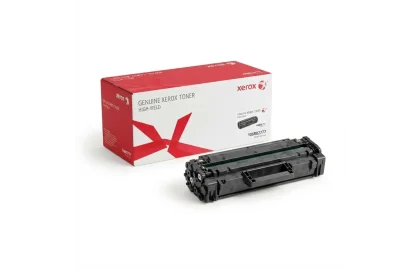
Navigate the complexities of Xerox Phaser, WorkCentre, and VersaLink consumable architectures. Learn Sold vs Metered toners,...
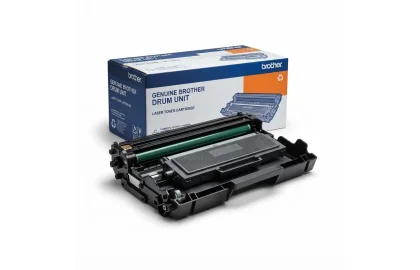
Demystify Brother's two-piece consumable ecosystem. Master pairing TN-1040/DR-1040, TN-2305/DR-2305, TN-2420/DR-2400, and TN-3480/DR-3400 with manual drum reset...
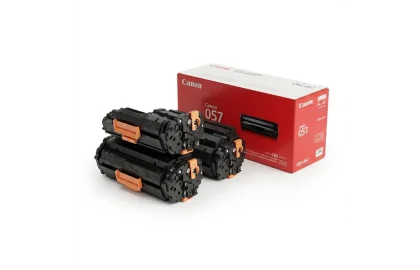
A complete guide to Canon laser printer toner cartridges. Understand CRG desktop cartridges (CRG-725, CRG-728, CRG-057)...
Cookie Preferences