Few workplace issues disrupt office productivity quite like picking up a fresh stack of contracts or invoices only to discover that the text is washed out, faded, or barely legible. Faint printing on laser printers is a common symptom with multiple possible root causes, ranging from simple toner distribution issues to optical sensor contamination or drum electrostatic fatigue. Systematically identifying the true cause allows office managers to restore crisp, pitch-black output immediately.
 Inspecting magnetic rollers and organic photoconductor drums for uniform charge distribution.


"Over 80% of faint print complaints are resolved either by disabling driver EconoMode or simply replacing fatigued magnetic roller assemblies with fresh A+ cartridges."
PrintEyes Technical Quality Lab
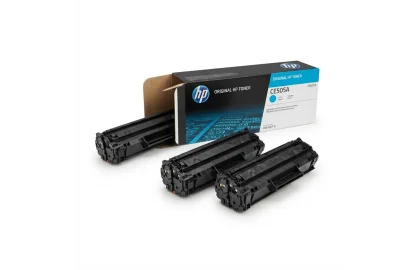
Learn what compatible toner cartridges are, how they compare to OEM originals in print quality and...

Understand the critical differences between chipped and chip-free laser toners, chip swap procedures, and cost advantages...
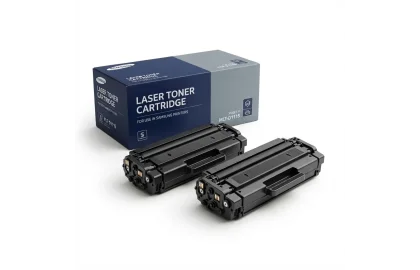
Demystifying the ISO/IEC 19752 standard for laser toner page yields. Learn how 5% coverage works, real-world...
Cookie Preferences