Laser printer technology has witnessed significant evolution over the past decade, and one of the most prominent technological additions to modern toner cartridges is the microchip. Today, procurement officers and IT managers frequently encounter two product variants for the same printer model: "Chipped (Plug & Play)" and "No-Chip (DIY Transfer)" cartridges. Deciding between these two formats requires an understanding of how printer firmware interacts with toner microchips and the operational cost-benefit trade-offs involved.
The microchip embedded on a laser toner serves three core functions: communicating with the printer mainboard to confirm cartridge presence, tracking estimated remaining page yield based on dot counts and roller rotations, and authenticating model regional compatibility. While OEM manufacturers use cryptographic chips to restrict third-party alternatives, advanced compatible chips now replicate these handshake protocols flawlessly.
 Comparing pre-chipped plug-and-play cartridges with cost-saving chip-transfer toner alternatives.


"For busy office environments where zero downtime is critical, pre-chipped plug-and-play toners provide seamless operation. For high-volume print shops, chip-transfer models unlock maximum unit savings."
PrintEyes Hardware Integration Team
If you choose a chip-free model for models like HP W1106A (106A), HP W1350A (135A), or Canon 057, follow these quick steps:
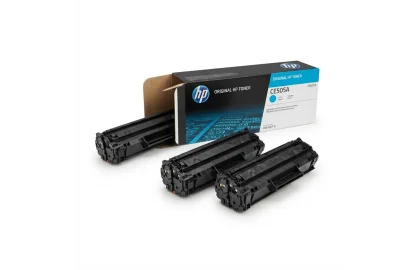
Learn what compatible toner cartridges are, how they compare to OEM originals in print quality and...
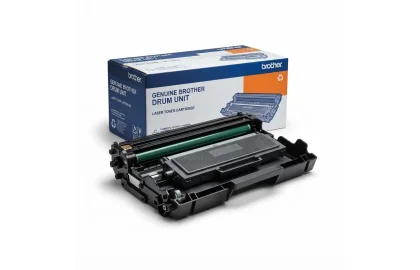
Diagnose and fix faint or faded laser printouts. Troubleshoot low toner levels, magnetic roller issues, dirty...
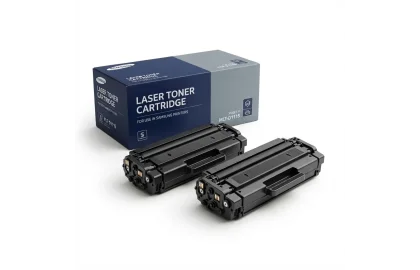
Demystifying the ISO/IEC 19752 standard for laser toner page yields. Learn how 5% coverage works, real-world...
Cookie Preferences