One of the most frequent technical inquiries received by IT support teams and office equipment procurement managers is understanding the distinction between a "Toner Cartridge" and a "Drum Unit" (Görüntüleme Tamburu). For printer owners—particularly those operating Brother, Lexmark, OKI, or modern enterprise HP laser printers—the printer may display separate warning messages stating "Toner Low" or "Replace Drum." While both components are indispensable for electrophotographic printing, they perform completely different mechanical and chemical roles in creating crisp documents.
The easiest analogy to understand the two components is comparing an ink pen with a rubber stamp. The Toner Cartridge is the container that holds the dry, colorized polymer powder (the fuel). The Drum Unit (OPC Drum) is the photosensitive metal cylinder that attracts the electrical laser charge and physically rolls the toner powder onto the moving paper under precise electrostatic voltages.
 Separating the independent toner cartridge from the long-life imaging drum unit in commercial laser engines.
Laser printer manufacturers utilize two distinct architectural designs across their product lines:


"In two-piece laser printer systems like Brother, replacing only the toner cartridge when the drum is exhausted will not fix recurring lines or speckles. Diagnosing drum wear saves unnecessary cartridge returns."
PrintEyes Hardware Diagnostic Team
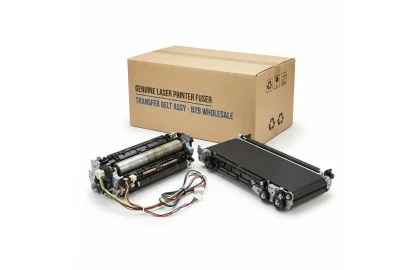
Learn how high-temperature fusers and color transfer belts work in enterprise copiers, how to fix toner...

Understand the critical purpose of waste toner collection boxes in copiers and color laser printers. Prevent...
Learn the proper technique to clear paper jams in laser and inkjet printers without tearing sheets,...
Cookie Preferences