Laser printing is a thermo-mechanical marvel that combines electrostatic physics with precision heat application. While toner cartridges and drums place the fine powder onto the page, that powder is merely resting loosely on the paper fibers until it passes through the Fuser Assembly (Fırınlama Ünitesi). Understanding how the fuser melts toner permanently into the paper, alongside how multi-color Transfer Belts coordinate CYMK alignment, is essential for maintaining enterprise printing fleets and avoiding expensive downtime.
The fuser assembly consists of two synchronized high-pressure rollers: a heated upper roller (or ceramic heating sleeve reaching 180°C – 220°C) and a pliable silicone pressure roller underneath. As the paper passes between these rollers at high speed, the intense heat and compression melt the plastic resins inside the toner powder, fusing them indelibly into the cellulosic fibers of the sheet.
 Precision fuser heat sleeves and intermediate transfer belt (ITB) assemblies for high-volume enterprise copiers.


"Never attempt to scrape stuck paper out of a fuser with metal scissors, paper clips, or screwdrivers. A single scratch to the Teflon heat sleeve destroys the unit instantly."
PrintEyes Technical Maintenance Guidelines
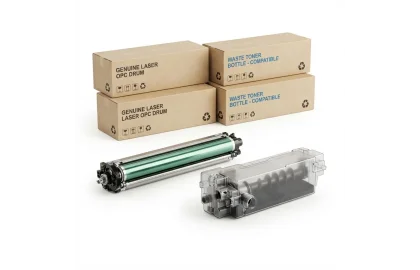
Demystify the critical difference between imaging drum units and toner cartridges. Learn how each functions in...
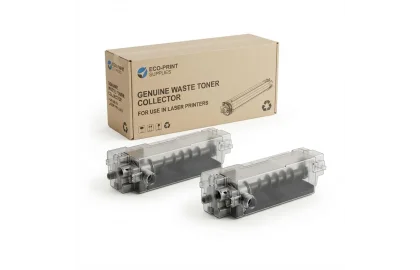
Understand the critical purpose of waste toner collection boxes in copiers and color laser printers. Prevent...
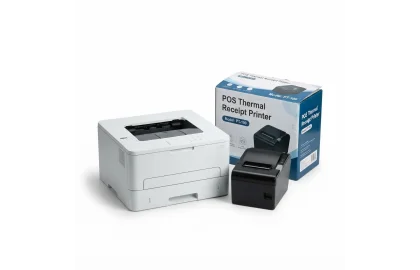
Learn the proper technique to clear paper jams in laser and inkjet printers without tearing sheets,...
Cookie Preferences