Paper jams are universally recognized as the single most aggravating disruption in daily office operations. When an urgent contract or boarding pass gets stuck halfway through a printer, human instinct is often to yank the exposed paper with maximum force. However, pulling paper aggressively in the wrong direction or using improper tools accounts for over 60% of irreversible mechanical printer breakdowns, including sheared drive gears, dislodged optical sensors, and torn rubber pickup rollers.
Laser printers and copiers transport paper using a series of unidirectional motorized rubber rollers (Pickup Rollers, Feed Rollers, Registration Rollers). Pulling paper backward against the one-way clutch mechanisms strains gear teeth and can easily snap internal plastic axles.
 Accessing internal jam release levers and paper trays following manufacturer-certified safety procedures.


"Preventing 90% of recurring paper jams comes down to simple paper hygiene: fan fresh reams before loading and store copy paper in a dry, climate-controlled environment."
PrintEyes Preventive Maintenance Tips
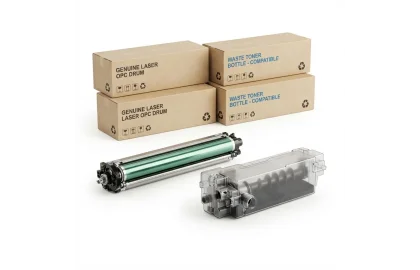
Demystify the critical difference between imaging drum units and toner cartridges. Learn how each functions in...
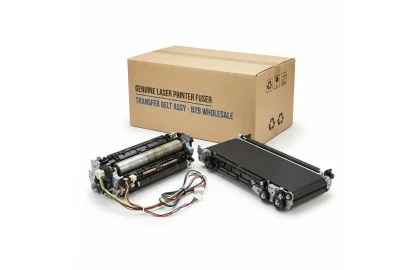
Learn how high-temperature fusers and color transfer belts work in enterprise copiers, how to fix toner...
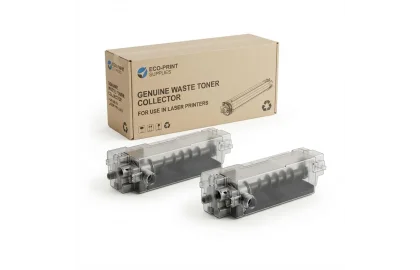
Understand the critical purpose of waste toner collection boxes in copiers and color laser printers. Prevent...
Cookie Preferences